Selected
Production
Systems
Generic solutions first. Client systems in practice.
Shared solutions. Real client systems.
The portfolio starts with generic platform solutions, delivery practices and AI-assisted development that apply across systems. Client systems follow, showing these foundations in practice.
Capabilities are configured to each project, not a promise that every control is enabled in every system. Generic sections use conceptual illustrations. Screenshots appear only in the client-system section and are anonymized examples from that deployment.
Platform capabilities
Generic security, administration and data solutions for use across systems, shown with conceptual illustrations. Controls are configured per project; deployment-specific settings in the descriptions are examples, not universal defaults.

Two-step sign-in with SMS one-time codes
After the password, users confirm a six-digit code sent by SMS. Codes are stored only as hashes and expire within minutes.
- Short code lifetime
- Limited attempts and limited resends
- Codes can auto-fill on supported phones

Passkeys and Face ID
Passwordless, phishing-resistant sign-in with WebAuthn, using the biometrics people already trust on their devices.
- WebAuthn passkey support
- Face ID and Touch ID on mobile
- Works alongside the two-step flow

Authenticator-app two-factor sign-in
A second step with a six-digit code from an authenticator app, with recovery codes as a fallback. Required for every user in this deployment.
- Standard TOTP, works with any authenticator app
- Recovery codes
- Enforced by policy
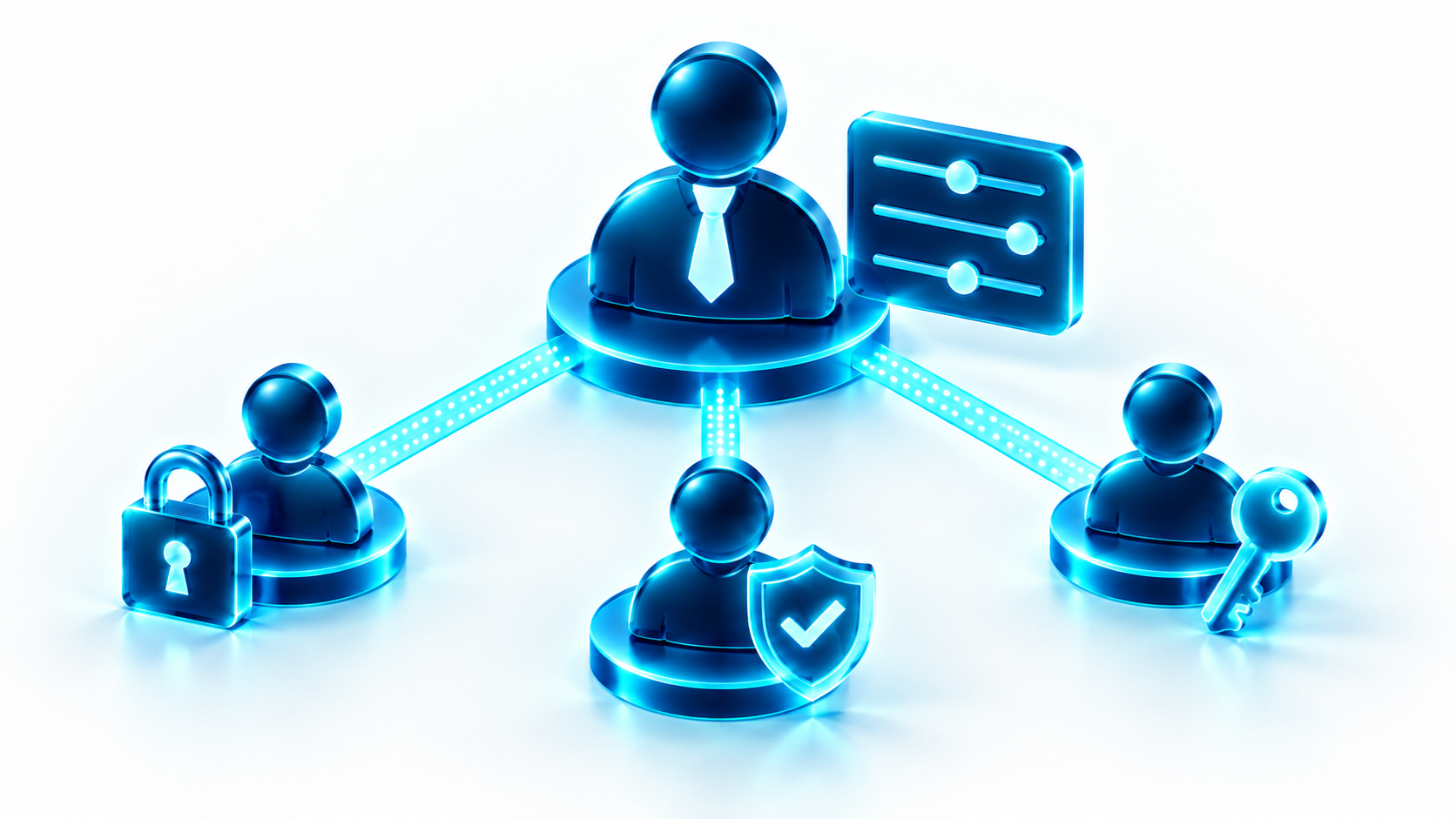
User management and per-user sign-in policy
Administrators see every user in one place, set a sign-in policy per person or inherit the default, and force a password reset on next sign-in.
- Role and department per user
- Per-user or default sign-in policy
- Clear a password to force a new one

Login activity and security monitoring
Every sign-in attempt is recorded with its method, MFA step and result, so unusual activity is visible and exportable.
- Success rate, failures and unique users
- Filter by date, method and result
- CSV export for audits

Active sessions, under the user’s control
People can see which devices are signed in to their account and end any session they do not recognize.
- Device, location and last activity
- End one session or all others
- Sessions expire automatically
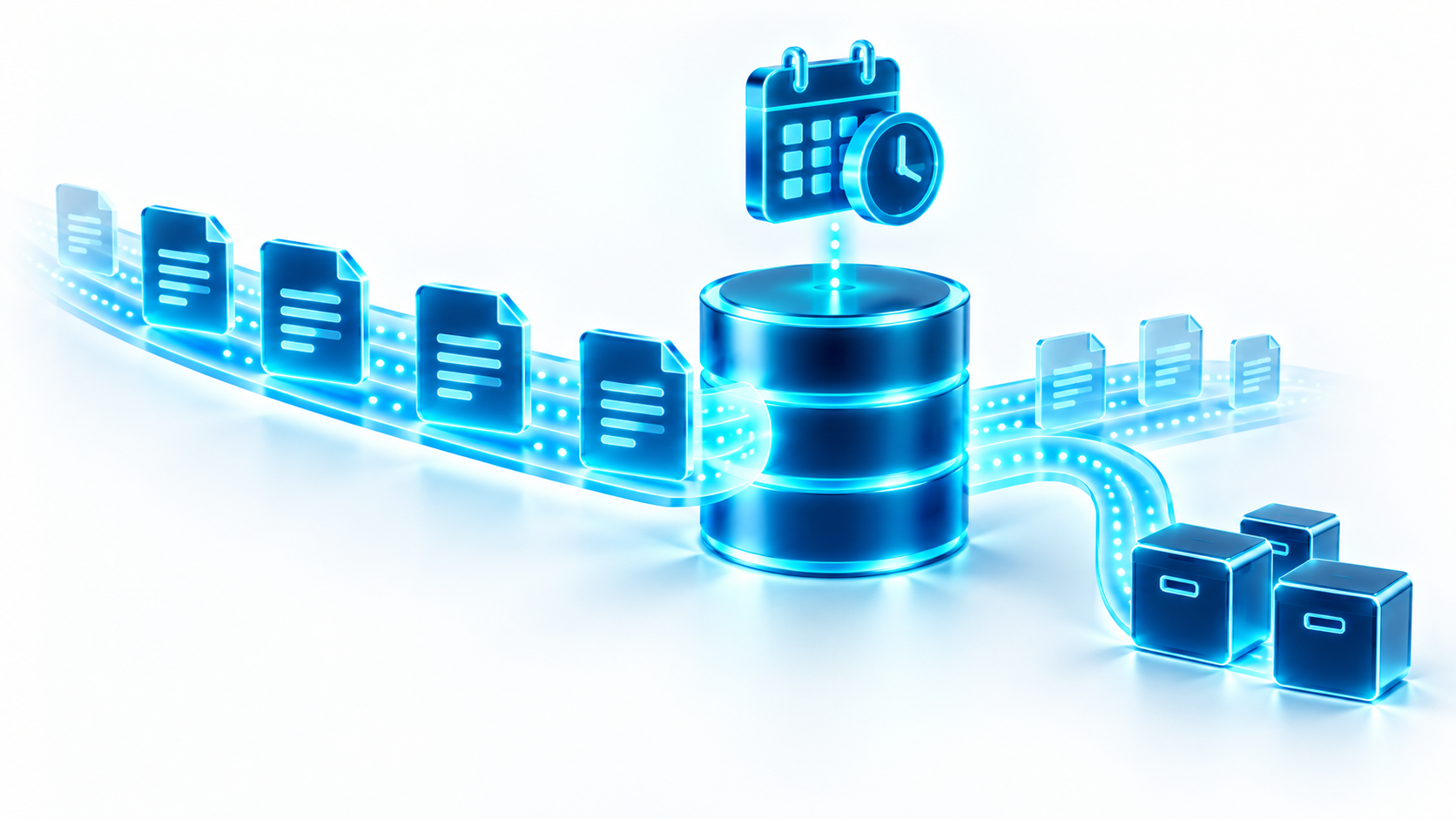
Scheduled data imports and automatic cleanup
Source data arrives on a schedule, with a run history for every import. Old backup folders are cleaned up automatically.
- Weekday schedules with time windows
- Run history with results and counts
- Retention rules for archived files

Encrypted, backed up, recoverable
Data is encrypted at rest and in transit. Automated backups allow recovery to a chosen point in time.
- Managed PostgreSQL with key-managed encryption
- Automated daily backups, 7-day retention
- Point-in-time recovery

Ready for enterprise security review
The system went through a large customer’s vendor security assessment, supported by a documented set of technical and organizational controls.
- Completed security questionnaire
- Documented technical and organizational measures
- Clear shared-responsibility model with the cloud provider

Edge firewall and geo-blocking
A web application firewall filters traffic before it reaches the application, including country-level rules for the markets the system serves.
- Country-based allow rules
- Rule changes reviewed and reversible
- Applied per host

Least-privilege cloud access
Diagnostics and reviews use read-only cloud identities. Changes to servers are made by the owner, one approved step at a time.
- Read-only diagnostic identity
- Owner approves every change
- Credentials kept in a vault, never in chat or code
Delivery and operations
Generic foundations for building and running systems: CI/CD, isolated environments, private connectivity and reviewed change. Structured requirements and controlled delivery provide a repeatable working method across projects.
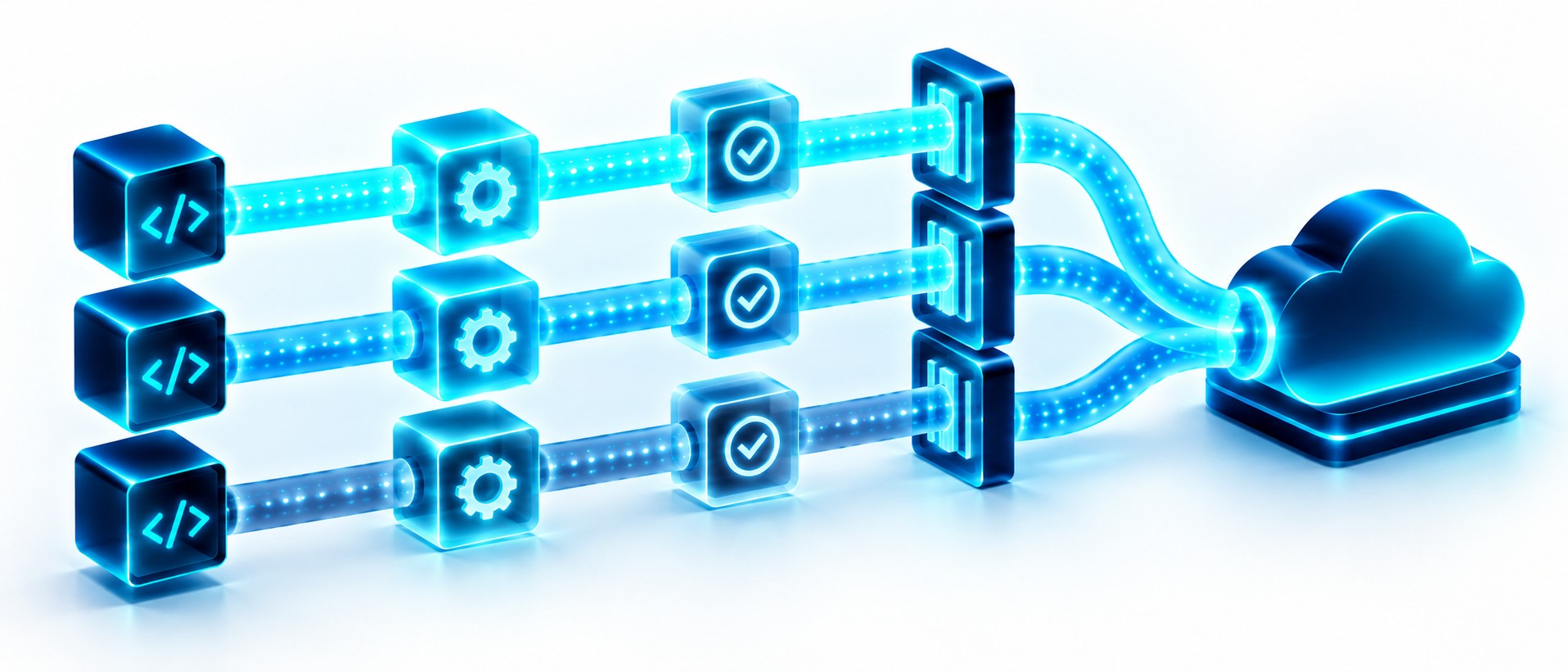
Build, test and release pipeline
Containerized applications are built and deployed through an automated pipeline, from a development environment to production.
- Container images per release
- Development, acceptance and production
- Repeatable, reviewed releases
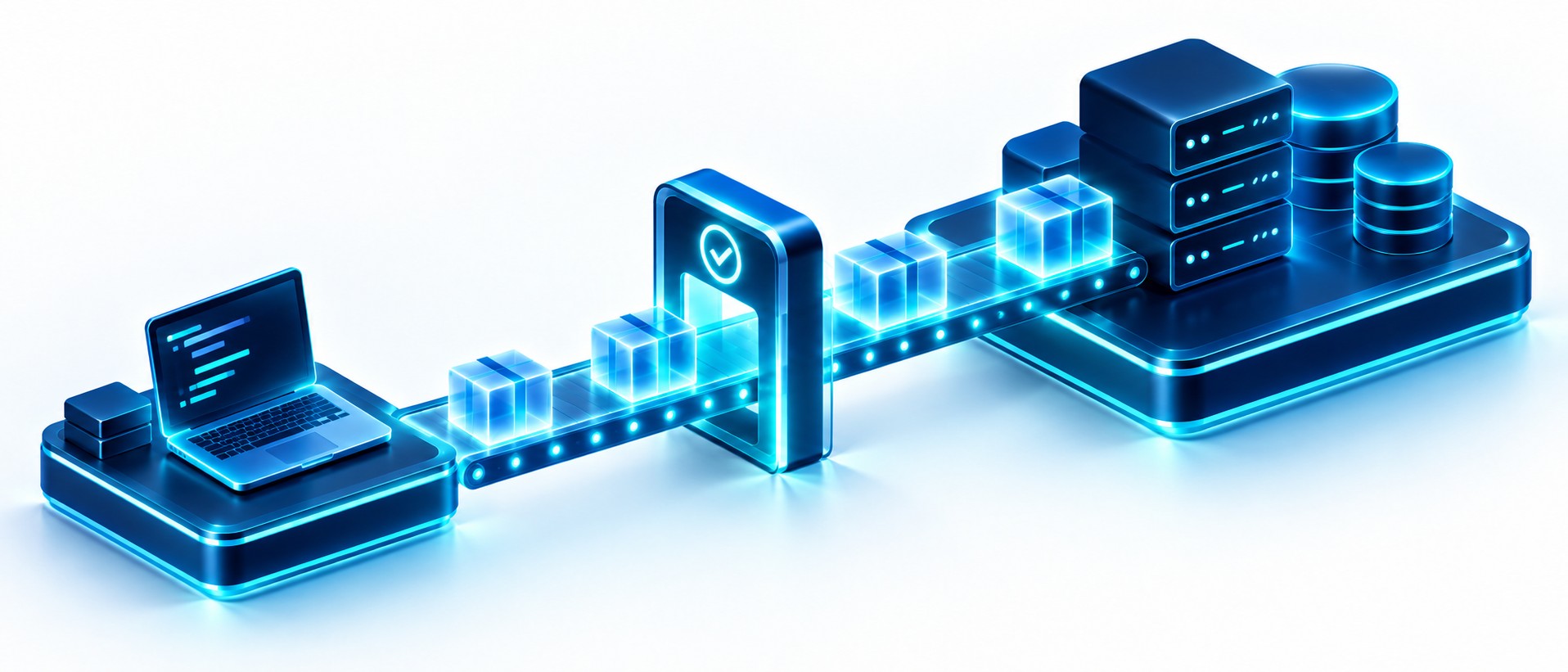
Separate environments, controlled releases
Development and production are isolated. Changes are built, tested and deployed through an automated pipeline, with production changes reviewed before release.
- Containerized application
- Automated build and deploy pipeline
- Edge protection and private admin access
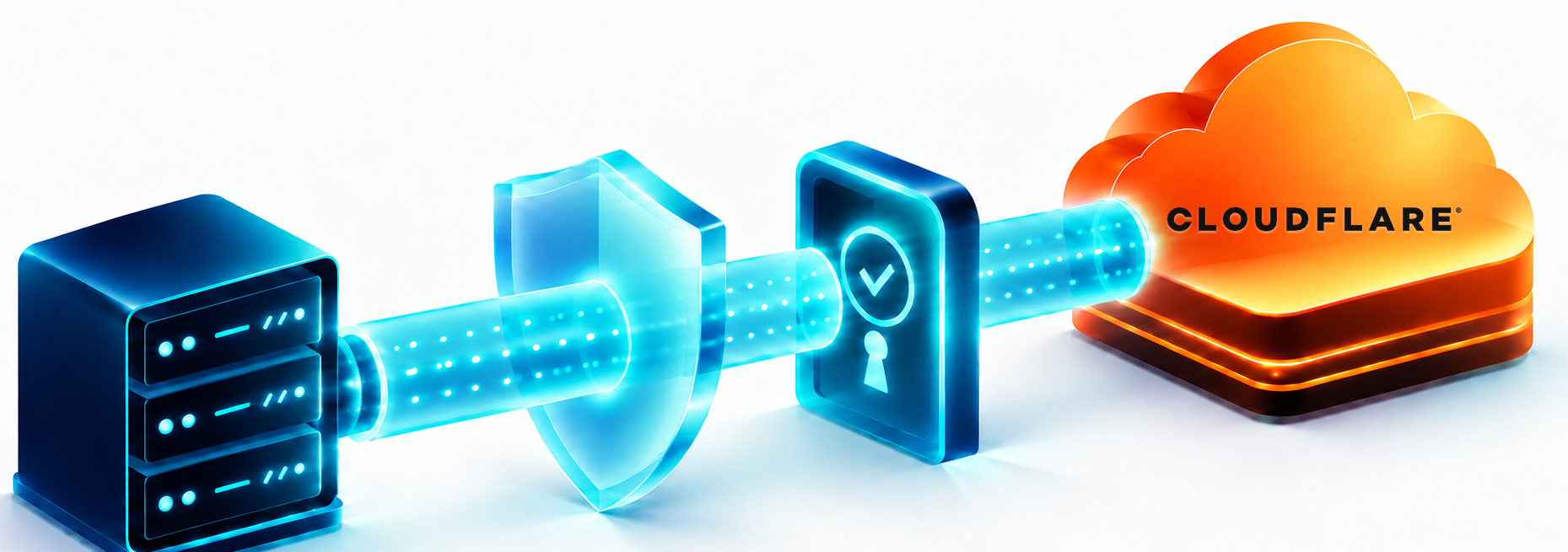
Zero-trust access with Cloudflare Tunnel
The application servers are never exposed to the internet. Traffic reaches them only through an outbound tunnel, with no open inbound ports.
- No public server addresses
- Tunnel per environment
- Access rules managed at the edge
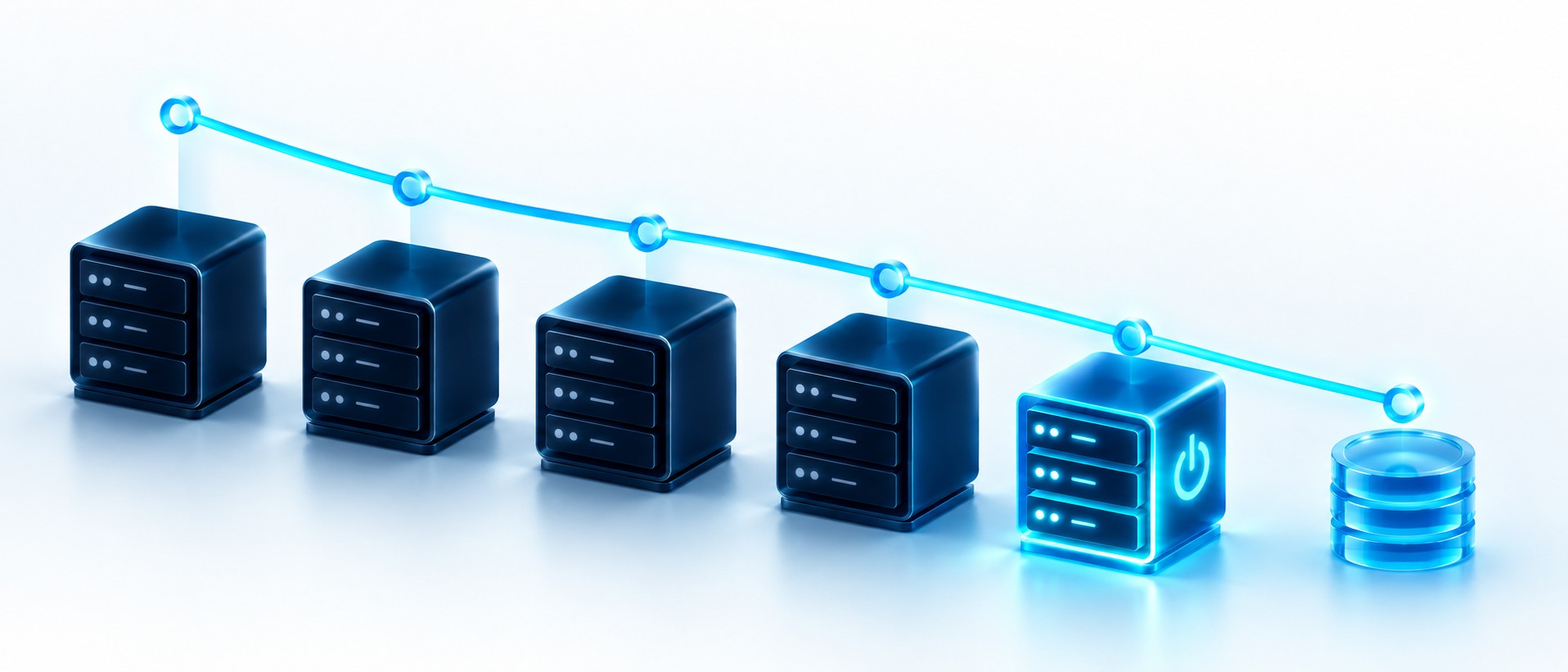
Cost-aware infrastructure
Environments that are not in use are switched off and started on demand, so cloud spend follows real usage.
- Idle environments stopped
- Start on demand for tests and reviews
- Right-sized servers
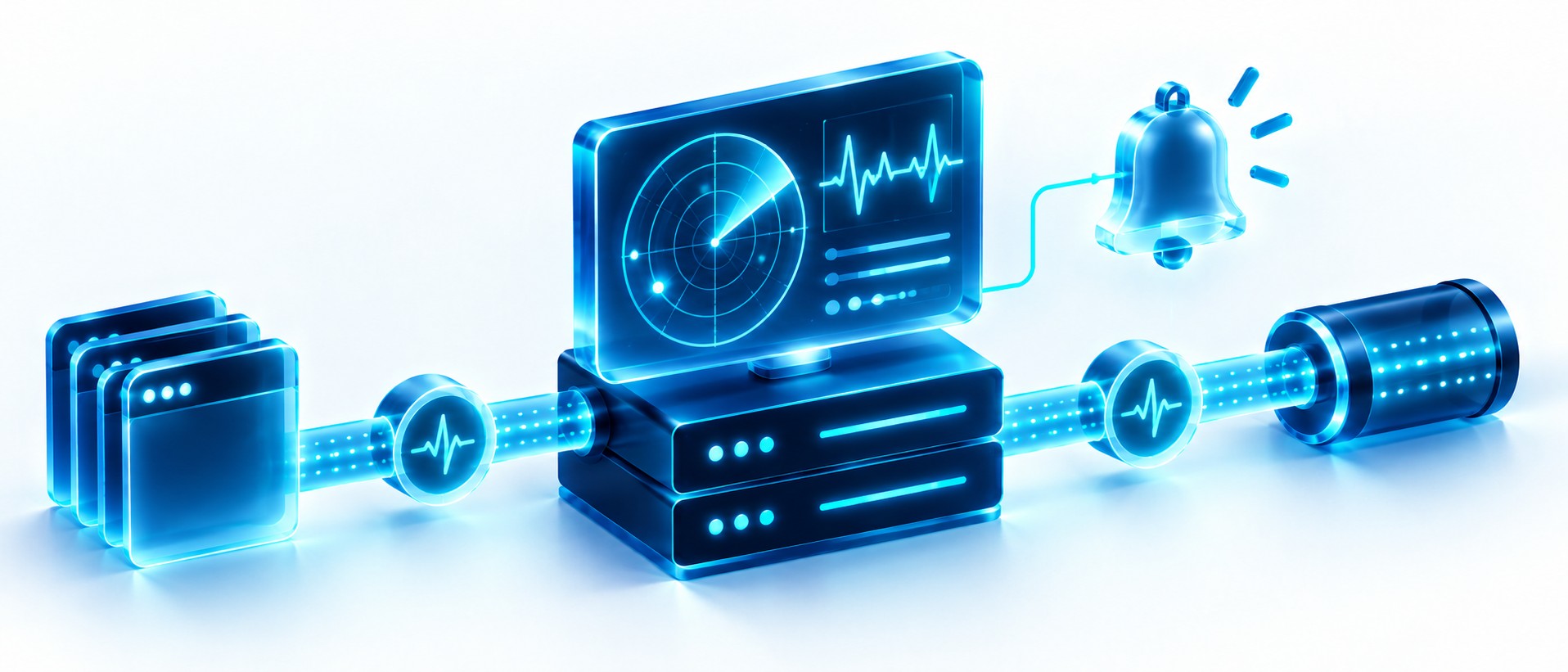
Monitoring and alerting
A dedicated monitoring host watches the application and its tunnels, so problems are seen before users report them.
- Health of application and tunnels
- Dedicated monitoring host
- Alerts to the operations team
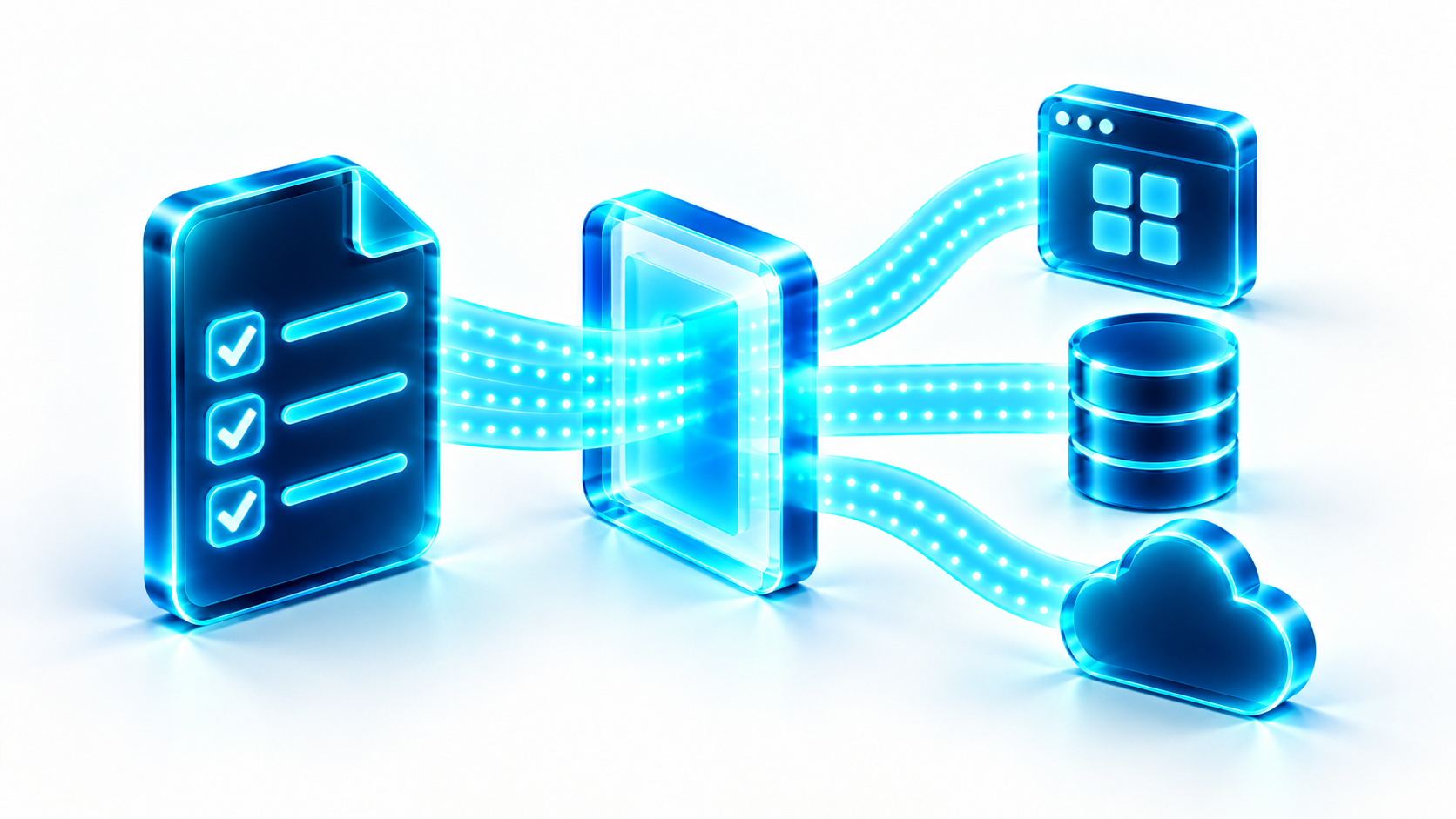
From structured specification to delivery plan
A short, structured specification gives each project a common starting point for design, security, data and deployment. The plan is reviewed before work moves forward.
- Requirements before implementation
- Application and cloud concerns together
- Review the plan before the next stage
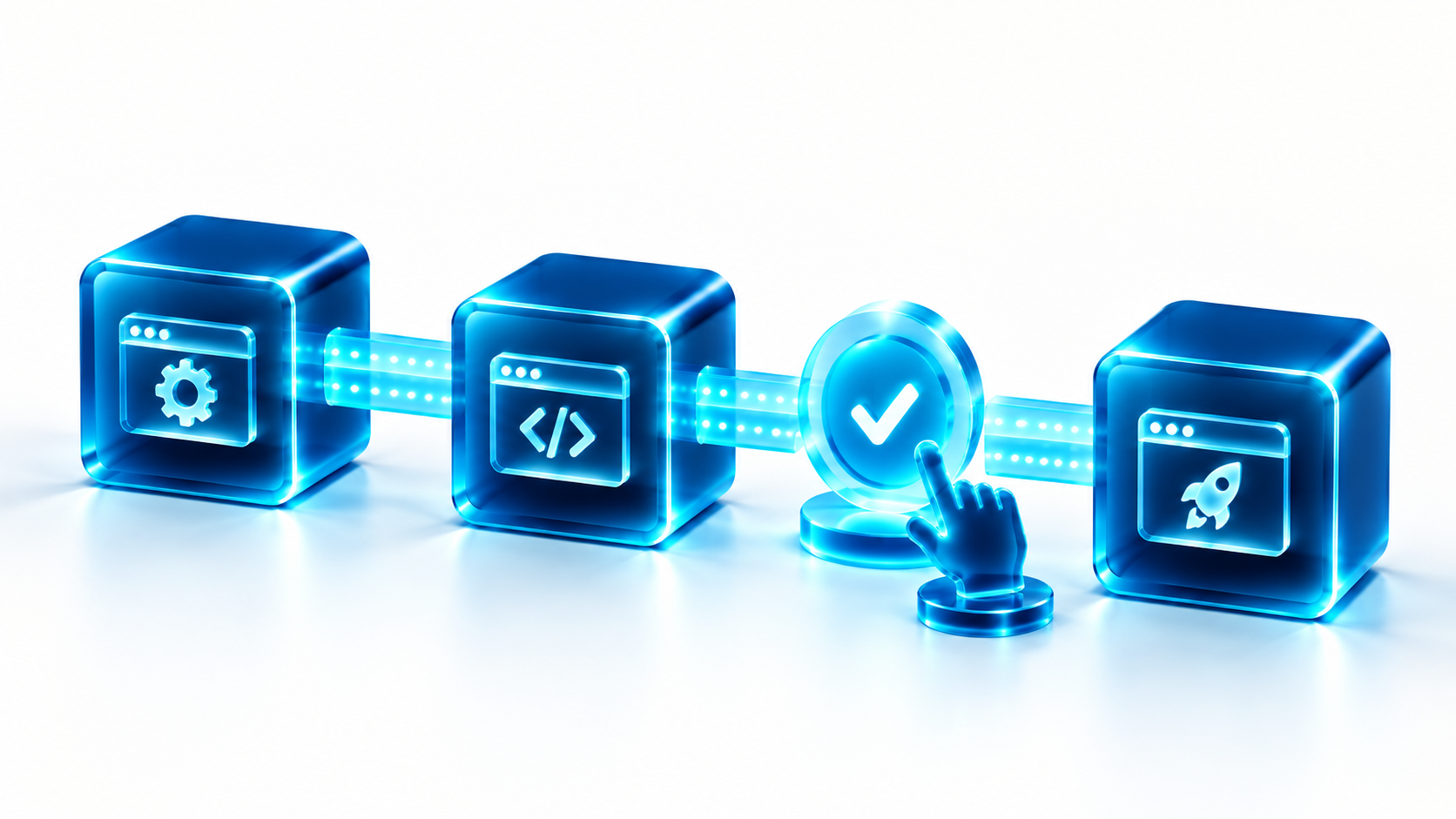
Approval gates, not blind automation
Work advances in stages, with a safe stopping point and a review of changes, tests and open issues before the next stage begins.
- DEV before PROD
- Explicit approval for consequential changes
- Clear handoff at each stage
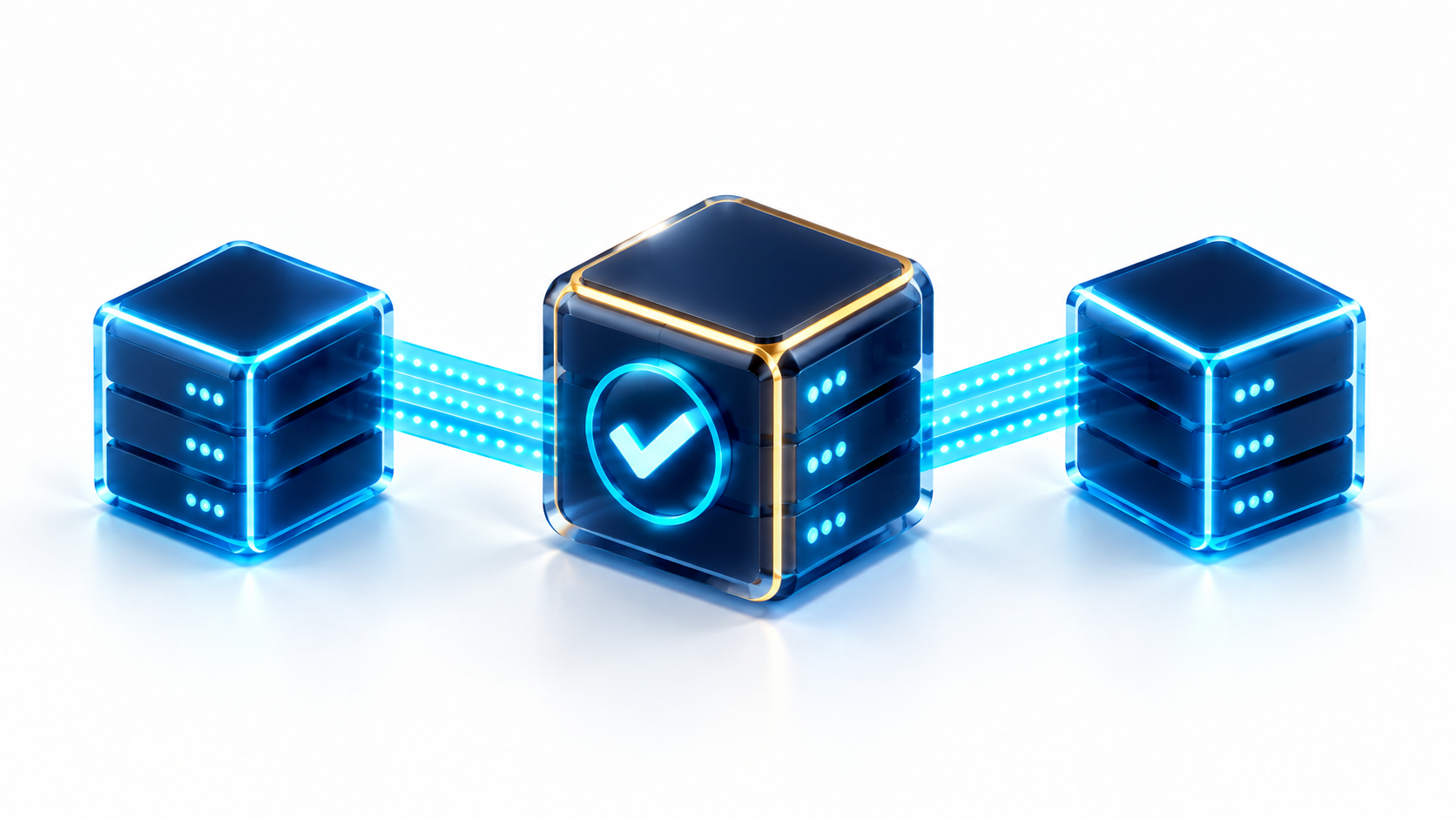
Golden AMI baselines for consistent environments
An approved golden AMI can package the operating system, software and security settings into one reusable baseline, so DEV and PROD servers start consistently instead of being configured from scratch.
- One validated baseline to reuse
- Consistent DEV and PROD starting points
- Automation path: EC2 Image Builder
AI and agentic development
How the work is built today, followed by one clearly marked future direction. AI-assisted development is not the same as a shipped AI feature in a customer application.
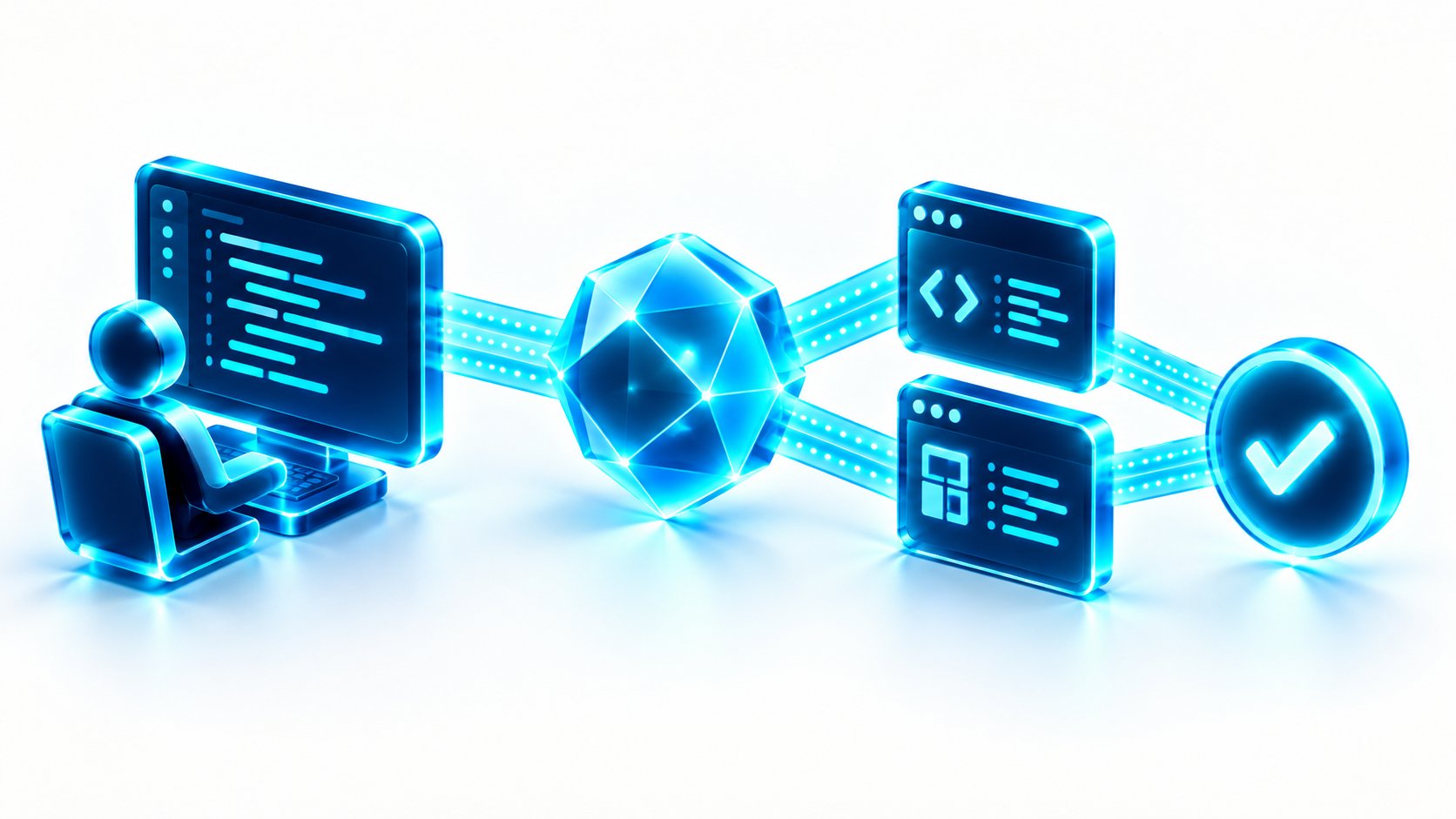
Agentic development with ChatGPT Work
AI supports the development process, from structured tasks through implementation and tests. Human direction, review and approval stay part of the workflow.
- Task-based implementation
- Code changes and test results reviewed
- Human ownership of release decisions
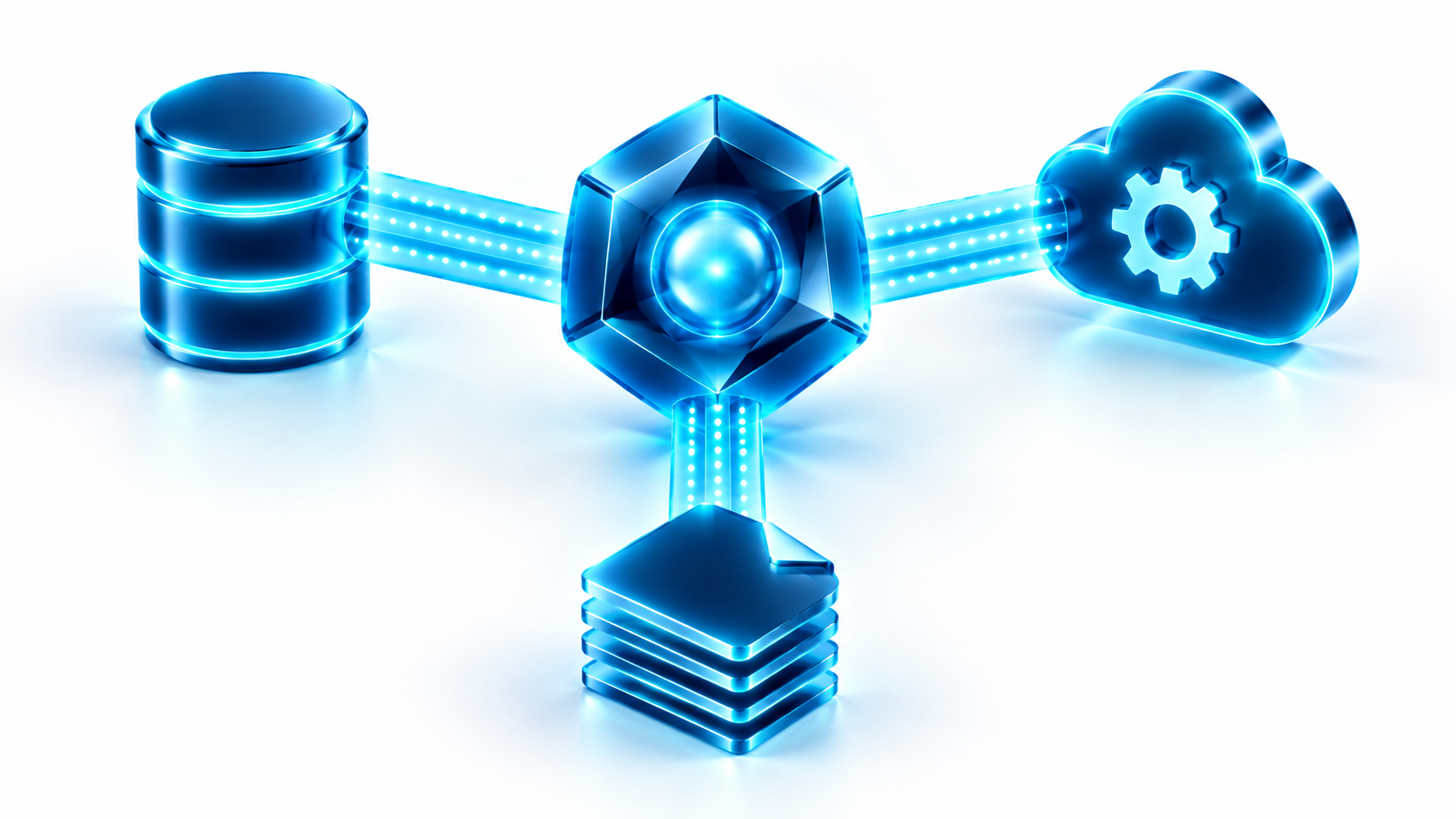
MCP-connected tools and agent workflows
A future direction for connecting AI workflows to tools and data through MCP. This is a concept for review, not a claim of an implemented integration or multi-agent system.
- Model Context Protocol as a connection layer
- Scoped tools and explicit permissions
- Concept only, subject to design and validation
Client systems: Sales application
A client example using the shared foundations. Built for the sales force of a leading construction-industry company, with targets, results, customer insight and trends, plus a clearly marked next-stage concept.
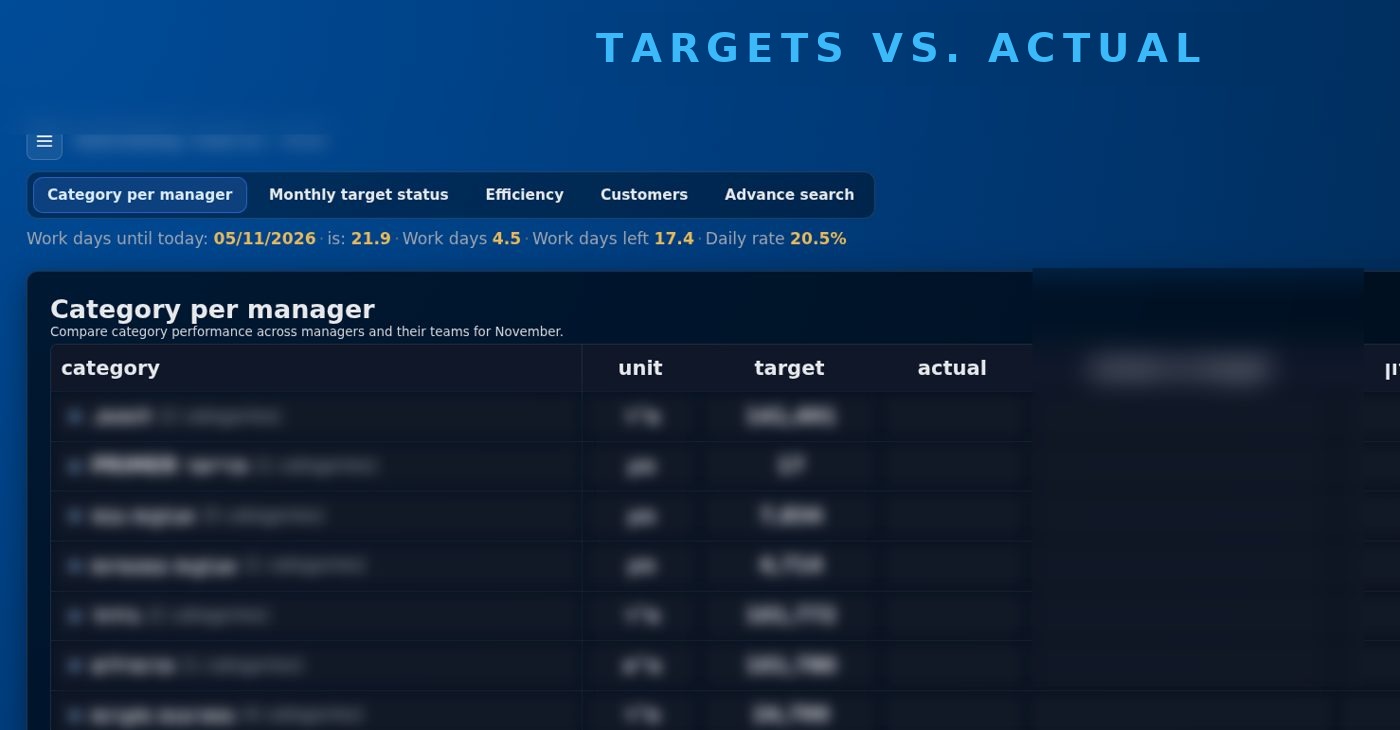
Targets vs. Actual, at a glance
One live view of where every salesperson, team and category stands against target, so managers act on today’s numbers instead of last month’s report.
- Target and actual side by side
- Clear plus or minus against the prior year
- Category and product breakdowns
- Built to load fast on a phone
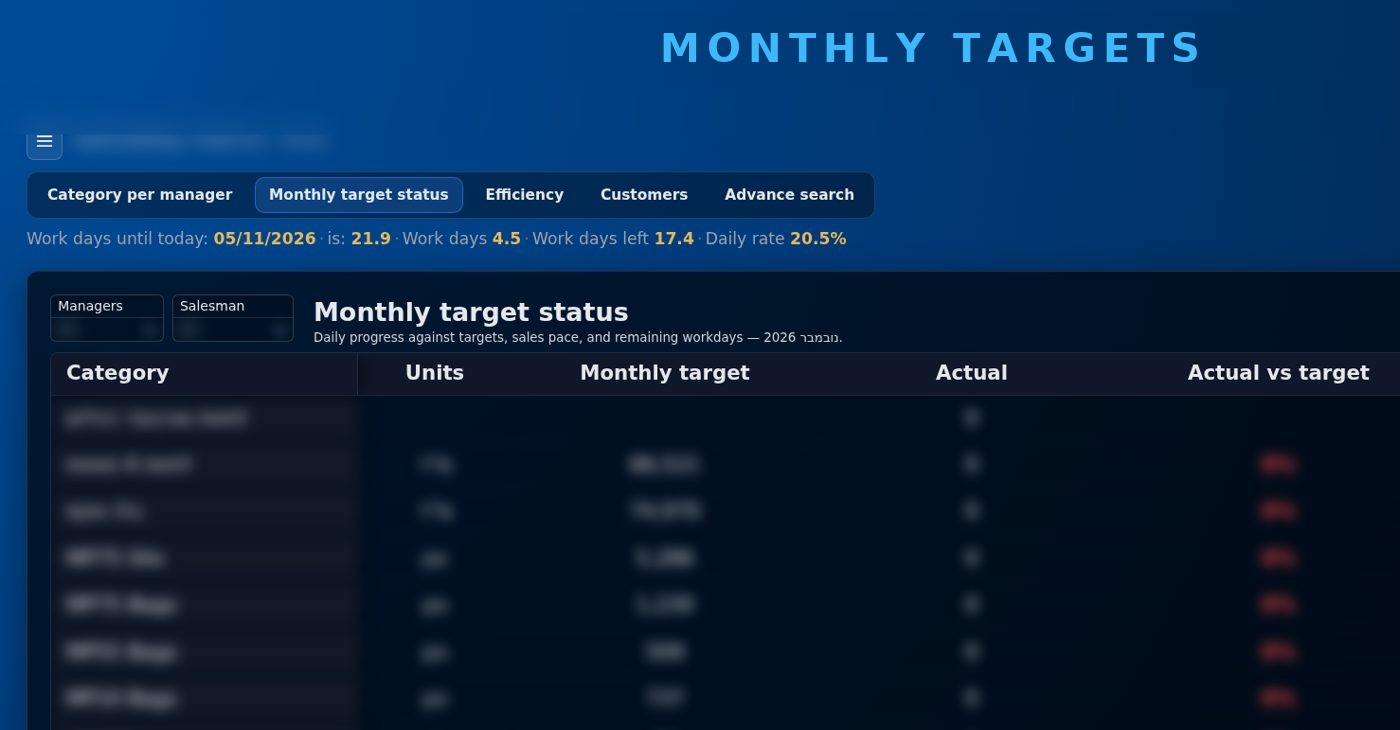
Built around the sales hierarchy
Results roll up through the real management structure. Each person sees what concerns them, and each manager sees the whole team.
- Role-aware views for reps and managers
- Automatic roll-up from individual to region
- Targets assigned for every user, even with no sales yet
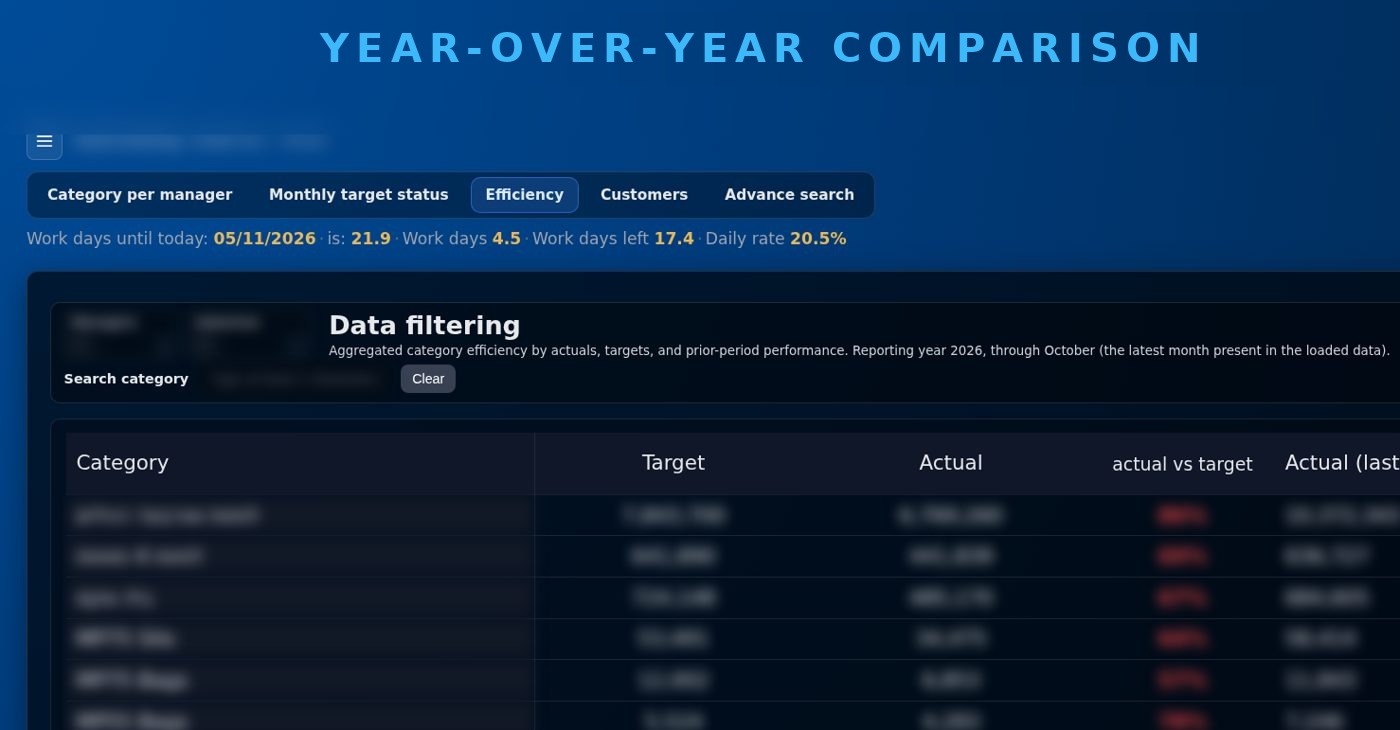
Year-over-year comparison
Every figure carries its context. The system compares current results with the same period last year and shows the direction at once.
- Percent change with explicit sign
- Safe handling of empty and zero values
- Archived history kept queryable
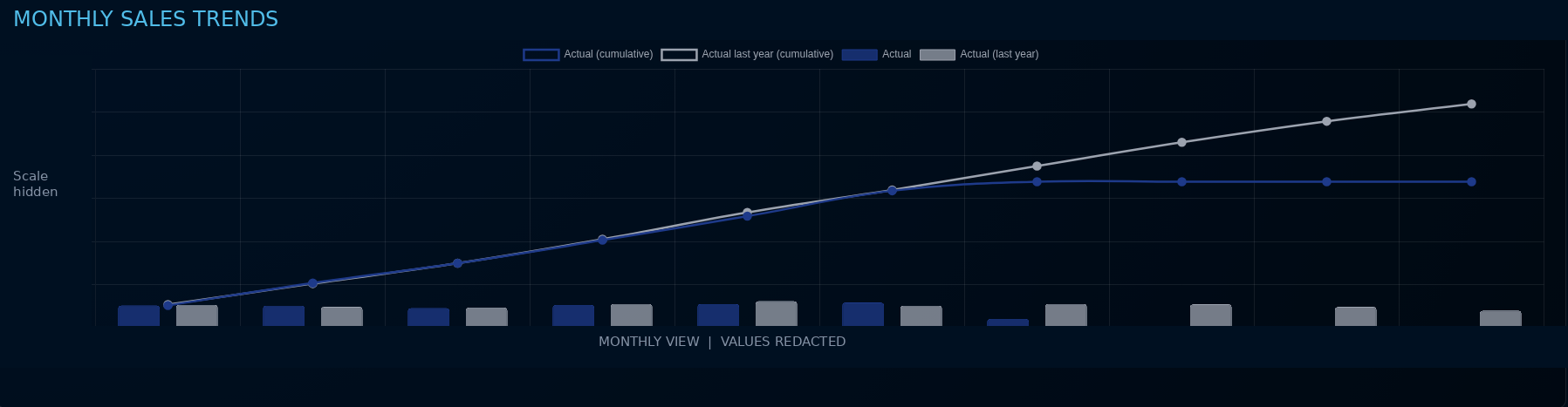
Monthly sales trends
Select a category to compare monthly sales with the prior year. Cumulative lines and monthly bars bring the trend into one view.
- Category-level drill-down
- Current and prior year on one chart
- Monthly bars with cumulative trends
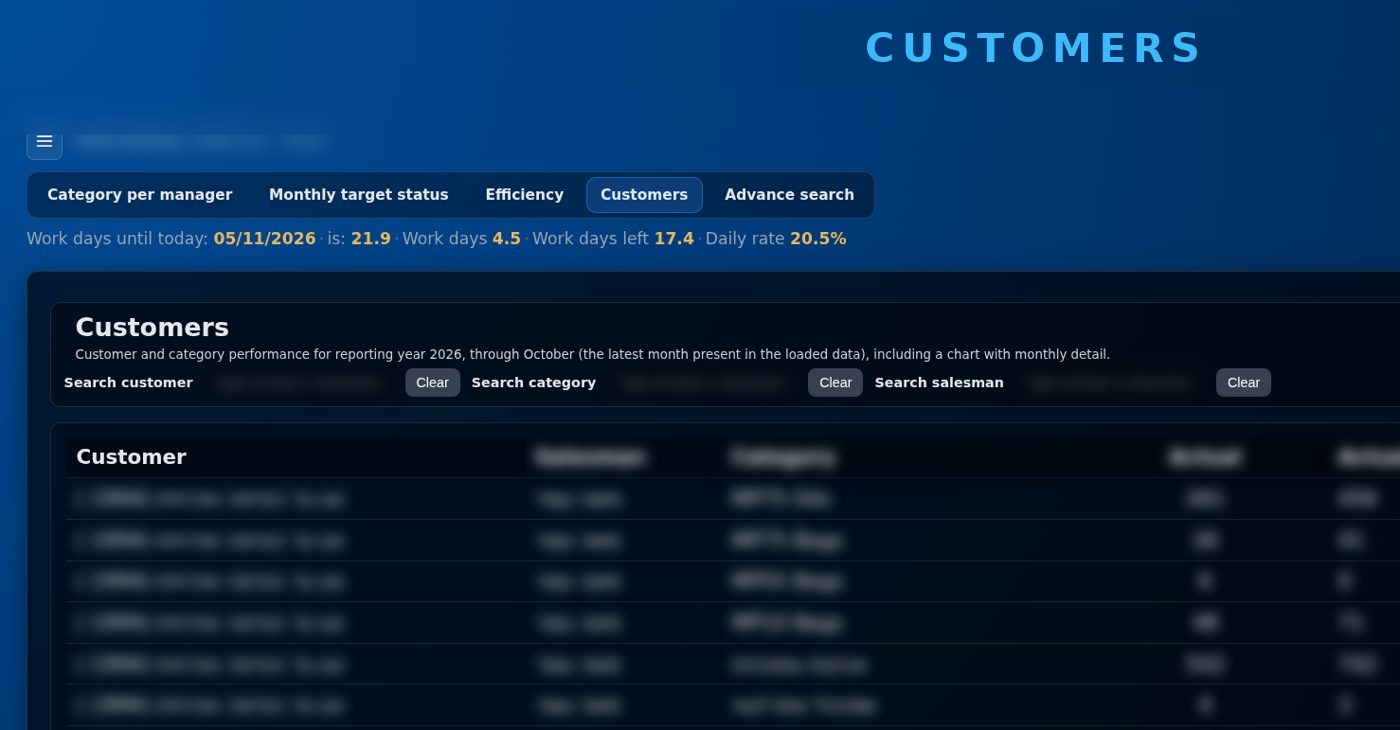
Customer view and advanced search
Customer and category performance with year-over-year comparison, plus an archive of historical sales lines with filters for person, period, customer and material.
- Customers with and without sales
- Search by customer, category or salesperson
- Hundreds of thousands of historical rows, fast to filter

Smart guidance for every salesperson
The next stage turns data into decisions: a recommended next action, at-risk customers, ranked opportunities and an end-of-month forecast.
- Next best action
- Customers at risk, with the reason
- End-of-month forecast
From business requirements to running systems
Focused applications, reusable controls and controlled delivery. AI helps with the work; people remain accountable for what ships.